

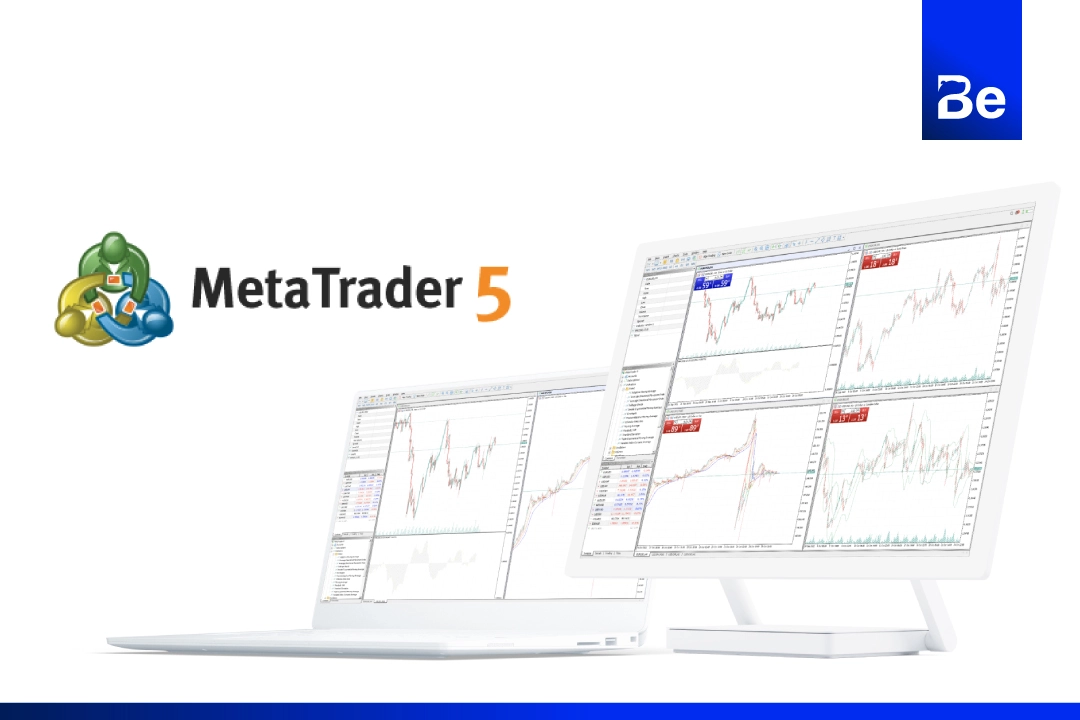
MetaTrader 5 (MT5) is a globally popular trading platform due to its diverse features, ranging from chart analysis and advanced indicators to fast order execution, helping traders trade as efficiently as possible. I will explain the basics of MT5 usage so you can understand and apply it to your own trading.
Key features of Metatrader 5
- Flexible trading systemSupports trading in multiple markets at high speeds.
- Advanced analysis toolsThere are various technical charts and indicators available for in-depth analysis.
- Supports automated trading.Using an Expert Advisor (EA) for automated trading means you don't have to monitor the market constantly.
- Effective risk managementWe have a money management system that helps reduce risk in every trade.
Download and install Metatrader 5 (MT5).
The first step in getting started with MT5 is to download and install the platform. I'll use XM as an example for everyone to see. XM offers MT4 and MT5 for free and they can be downloaded from their website. Let's look at the steps.
Go to XM's main website using this link. (https://bit.ly/3HpEGiM) Okay, then click "Login," enter your email and password, and click login again.
Once you're on the website, select More, and then select System from the main menu bar on the left.
Click on MetaTrader 5 (MT5), which will display the download page for MT5. XM offers downloads for Windows, Mac, and also provides applications for iOS and Android.
Choose the version that matches your operating system (Windows or Mac) and click Download.
Once the file has finished installing, click on the installation file and follow the on-screen instructions to complete the installation.
Installing MT5 doesn't take long, and once completed, we can start using the program immediately.
How to log in to Metatrader 5 (MT5)
Once we have successfully installed the MT5 program, the next important step is to log in to our trading account so we can view asset prices and start trading. Logging into MT5 with XM is quick and easy.
Open the MT5 program that we have installed.
Once the program opens, click the File menu in the upper left corner of the screen, then select Open an Account.
Enter the name of the broker where you opened your trading account with XM, go to XMGlobal, select the broker, and then click Next.
The system will display a login window where you will need to enter your trading account number and password received from XM when you registered a new account. You must also select the correct server that matches the information in the confirmation email from XM, such as XMGlobal-MT5 or XMGlobal-Real. Finally, click Finish.
Once we've successfully logged in and our trading account number is displayed, we can start trading on MT5.
Software details
Developer: MetaQuotes
Distribution: XM Trading Point
File size6.3MB
Operating system: Windows, Mac OS, iOS, Android
safety: Tested.
![Picture of [ADMIN] `SENSEI~](https://besight.net/wp-content/uploads/nsl_avatars/5207db5a26b7923a9ca36d3712820771-150x150.jpg)