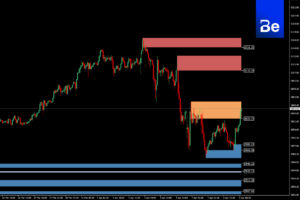


Automated market maker behavior analysis tool using SMC and ICT systems on MT4.
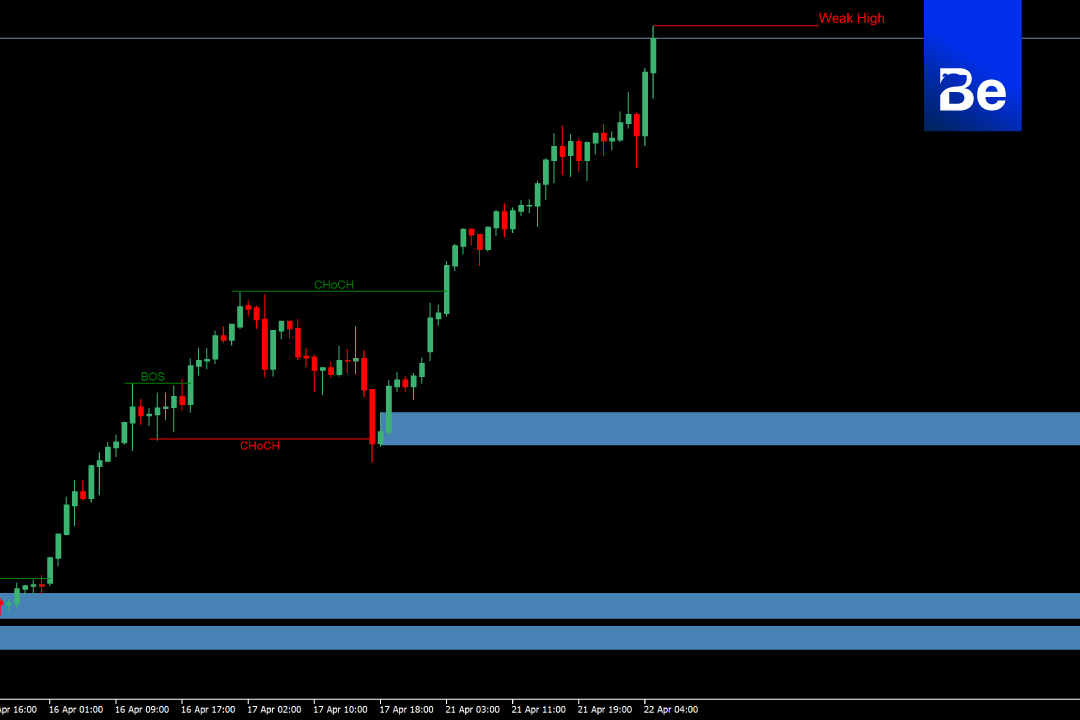
Elevate your trading to a professional level with... BeSight SMC+ICT Pro – An indicator for MT4 designed to help traders visualize... Break of Structure (BOS), Change of Character (CHoCH), Weak High/Low, and Zones that are significant in SMC & ICT. Clearly and systematically.
Key features of BeSight SMC+ICT Pro
Automatic display: BOS / CHoCH / Weak High & Low
Displaying Demand-Supply Zones according to Smart Money principles.
Identify reversal points and trends based on the price structure.
Works in real-time on MT4 charts.
No need to draw lines yourself; analyze zones with the same accuracy as a market maker.
How to use BeSight SMC+ICT Pro
After installing the indicator, you will see the following elements on the graph:
✅ BOS (Break of Structure) – A point confirming a new trend.
✅ CHoCH (Change of Character) – A turning point in direction.
✅ Weak High / Weak Low – A point that is often tested or penetrated.
✅ Supply/Demand Zone – A zone with a high probability of reversal forces occurring.
✅ Suitable for planning Entry, SL, and TP strategies according to the Smart Money Concept / ICT system.
Suitable for traders who want:
Place the wooden poles systematically.
Avoid placing random orders.
Use an RR ratio of 1:1 – 1:3 systematically.
How to install BeSight SMC+ICT Pro (for MT4 only)
- Download the .ex4 or .mq4 file. From the BeSight link.
- Open the program. MetaTrader 4 (MT4)
- Go to the menu. File > Open Data Folder
- Go into the folder. MQL4 > Indicators
- Place the downloaded indicator file.
- Close and then reopen MT4.
- Go to Navigator Panel > Indicators search BeSight SMC+ICT Pro Then drag it onto the graph.
Don't forget to enable “Allow DLL imports” and “Allow External Experts”.”
Software details
Developer: BeSight
Distribution: BeSight
File size: 170KB
software: Metatradert 4
Operating system: Windows, Mac OS
safety: Tested.
![Picture of [ADMIN] `SENSEI~](https://besight.net/wp-content/uploads/nsl_avatars/5207db5a26b7923a9ca36d3712820771-150x150.jpg)